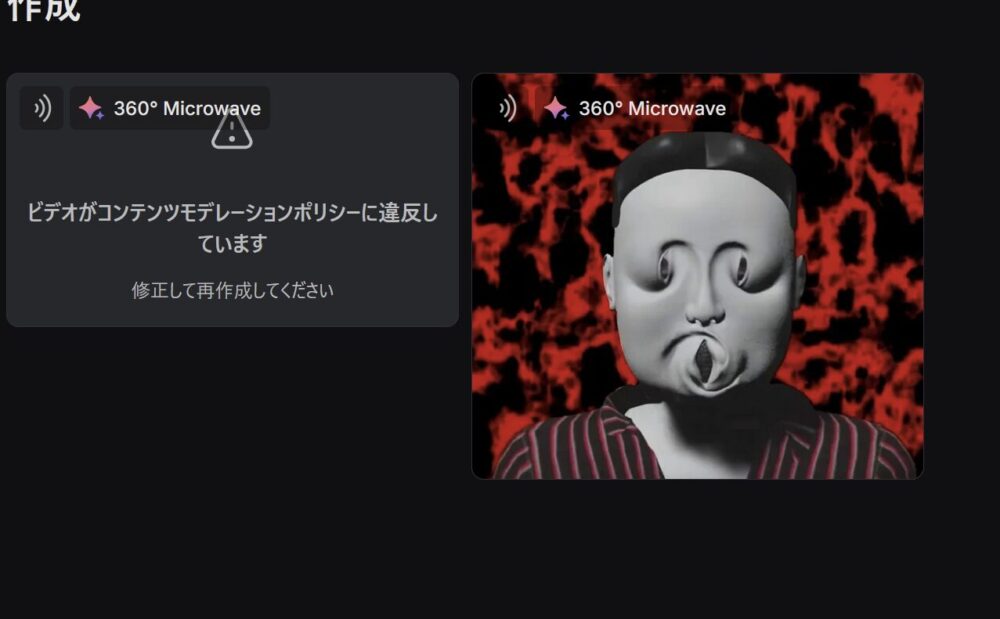
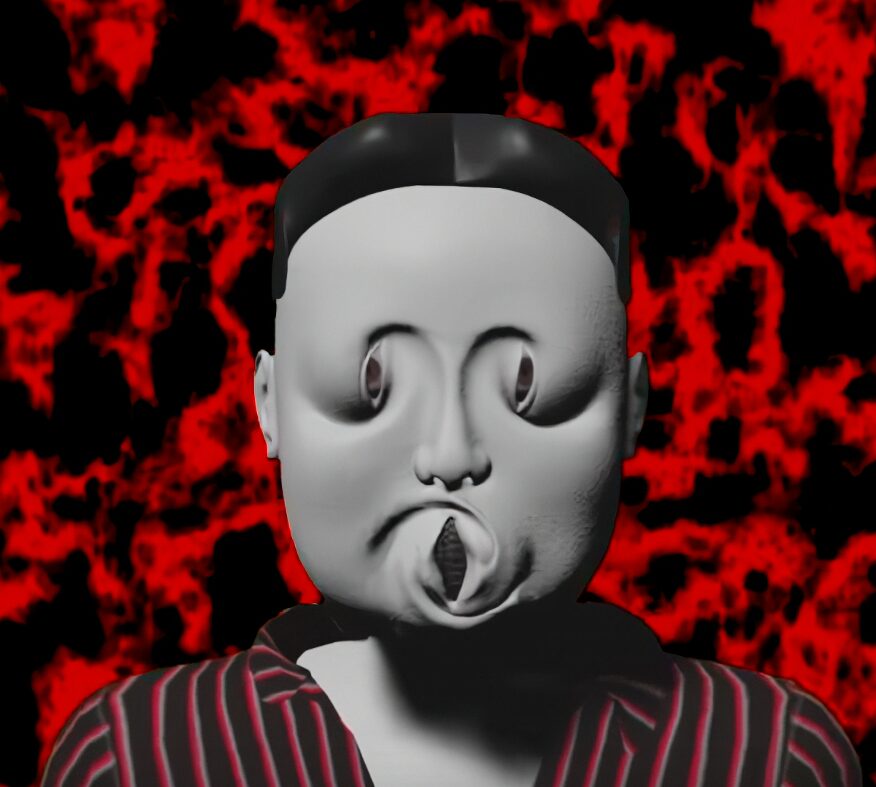
Did you know that you can create a 360-degree rotating video from the perspective of a microwave using a single image of a person?
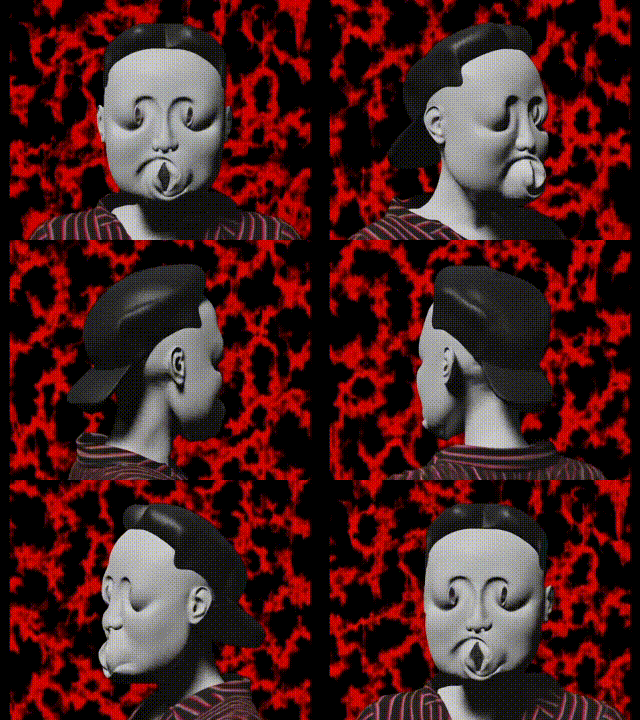
Why am I spinning the Vie…
Now, this video PixVerse . was created on
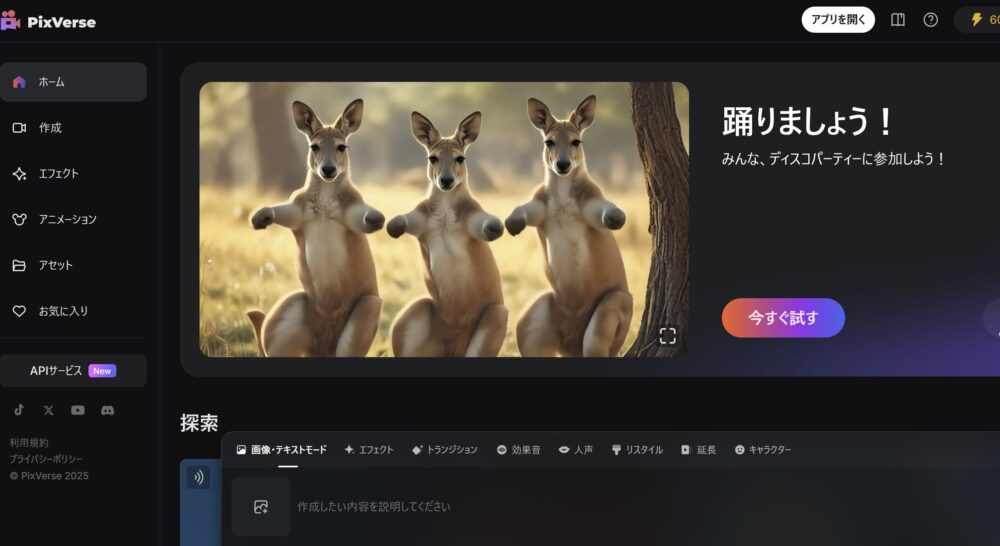
What you should look at is the toolbar at the bottom.
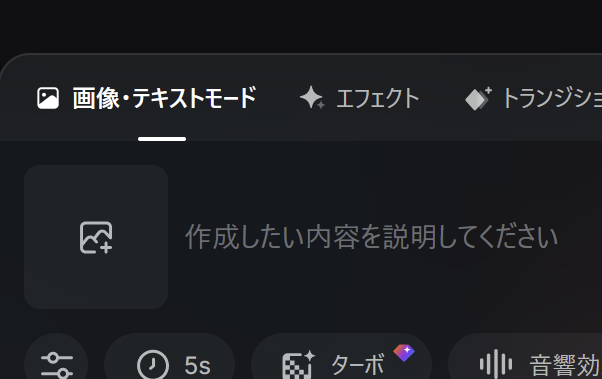
First, open the “Effects” page.
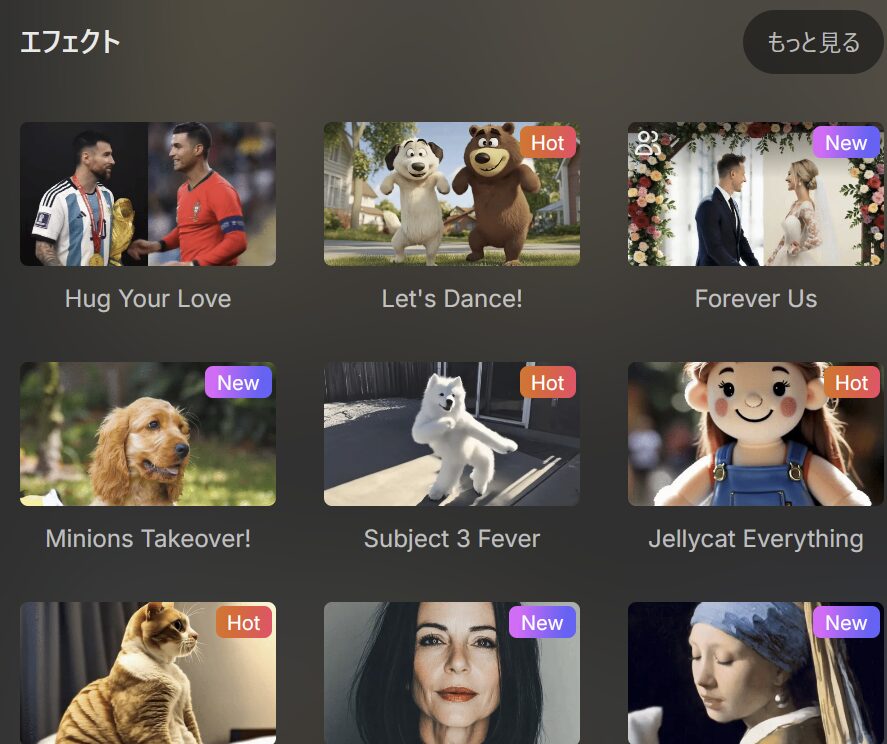
There are a number of presets displayed. Let’s scroll through them.
You should be able to find “360° Microwave”.
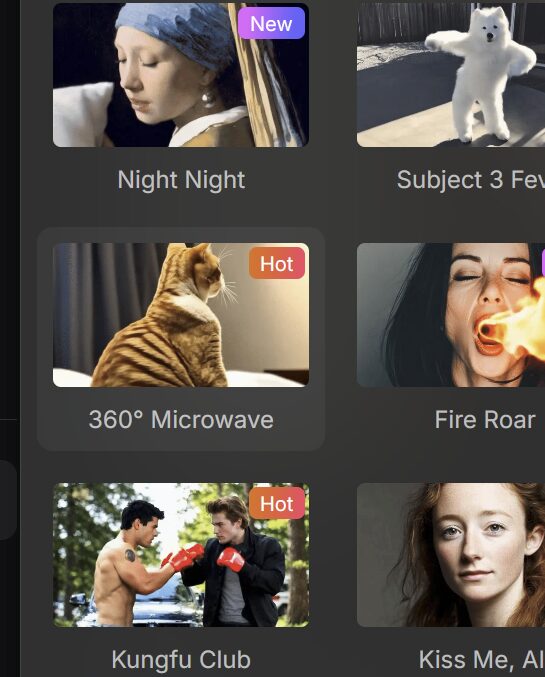
Once you have selected it, click the upload mark on the left and specify the image you want to rotate.
I choose Vie.
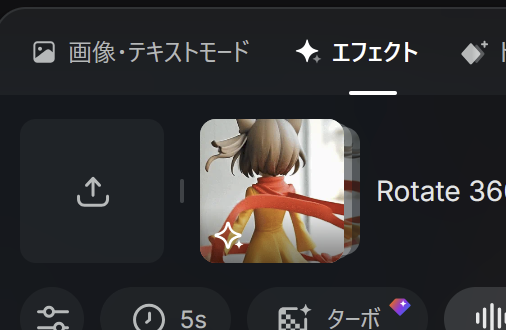
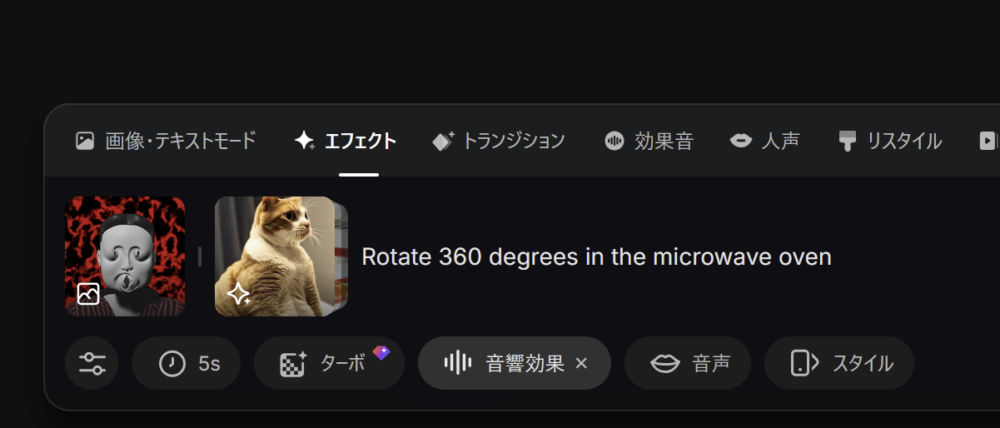
Just click the Create button on the bottom right and wait.

The video is generated instantly.